Stop Guessing Your BAS Numbers
Know exactly what you owe before you
submit your BAS.


Download or use our BAS Excel-style calculator to prepare your Business Activity Statement faster
Audio summary: BASCalc is an Australian-made Excel BAS calculator designed for sole traders who lodge quarterly BAS. It helps convert income, expenses, GST and PAYG figures into the correct ATO BAS totals for easy lodgement via myGov or paper BAS forms.
Designed specifically for Australian sole traders who want a clear, accurate way to prepare BAS figures using Excel.
Disclaimer: BASCalc is a self-service calculation tool and provides general guidance only. It does not replace professional tax advice. You are responsible for checking your figures before lodging. If you are unsure, speak with your accountant or bookkeeper.
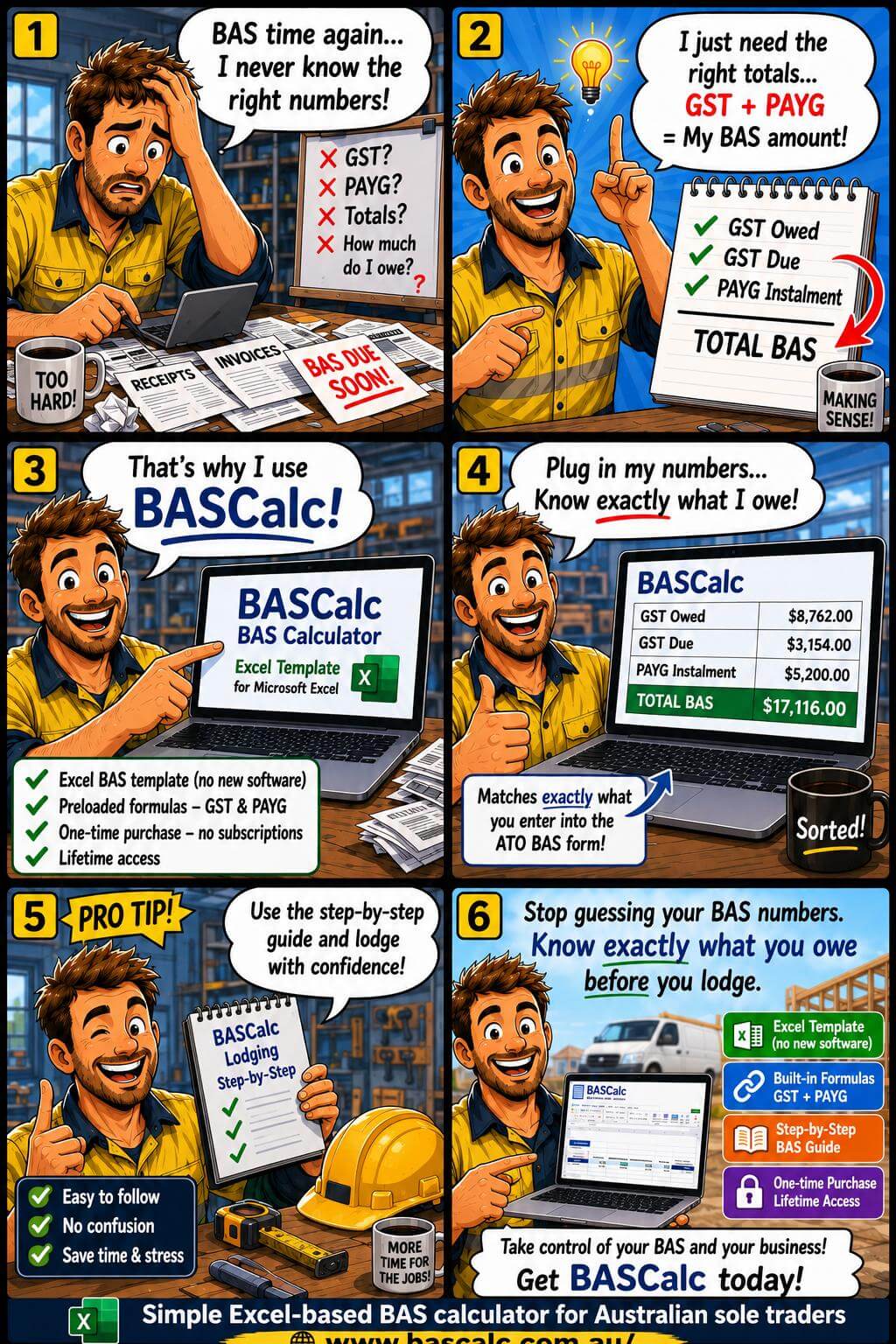
BASCalc runs in Excel, so it looks and feels familiar from day one – no new software to learn, just copy and paste the figures from your online bank statement into the table rows and GST due and owed is all calculated for you automatically to submit to the ATO online or write the totals on the BAS pink form sent out to you by the ATO and post it in.
ORDER NOW This is the actual BASCalc spreadsheet you’ll be using — it auto-calculates every field required for your MyGov ATO BAS lodgement.






BASCalc is a practical BAS calculator and Excel-based worksheet designed for Australian sole traders who are registered with the ATO and lodge their BAS quarterly using the cash accounting method. It is ideal for small, home-based businesses that want a clear and simple way to reconcile income and GST and prepare their BAS using an Excel system that mirrors the official ATO BAS fields. BASCalc is a self-service tool and is not intended for businesses lodging BAS annually or monthly, or those using the accrual accounting method.
These videos use generated examples to demonstrate common BASCalc use cases
These videos feature AI-generated characters and scenarios for illustrative purposes only. They do not depict real people, businesses, or testimonials.The examples shown are designed to demonstrate how BASCalc may be used and should not be interpreted as endorsements, guarantees, or professional advice. Sample text. Click to select the Text Element.

Running a small business is hard enough without battling a government form every three months. With BASCalc, your totals are calculated clearly, your figures are easier to understand, and preparing BAS online becomes faster, calmer, and far less stressful.
A straightforward BAS system for Australian sole traders — every quarter, for life.

Get Instant Access Now
Normally $82—Now Just $47 + GST
One-time purchase • Pay once, use forever

Secure the current price today and get immediate access to your BASCalc download and bonus guide.